


U.S. NEW HOMEOWNER SETUP GUIDE- Stage 3
Ongoing Guide · Last Edited:
July 22, 2026

Reset Every Lock, Code, and Access Credential

Closing transfers ownership — not exclusive access. Prior owners, contractors, and service providers may all still have keys, codes, or smart device accounts. Reset everything on day one.

Reset Every Lock, Code, and Access Credential
Fist Home Decisions Guide
Home Decisions Guide

Why This Stage Matters

Closing transfers legal ownership. It does not automatically transfer exclusive practical access. Prior access holders may not know or act on the change of ownership without a deliberate reset.

Access control is one of the first practical responsibilities of homeownership. Handled on day one, it takes a few hours. Discovered as a problem later, it is significantly more complicated to address.

Critical Actions You Should Do

1. Rekey or replace all exterior door locks on closing day or move-in day

Rekeying is often less expensive than full lock replacement and achieves the same security goal if the lock hardware is in good condition. The right choice depends on lock age, condition, and security needs. Either way, this step should happen within the first 24 hours of ownership — not the first week.

2. Reset garage, gate, and keypad codes immediately

Garage remotes, exterior keypads, and gate systems may still recognise old codes or prior users. Reset them on day one. Garage access is frequently overlooked even though it often provides full home entry — treat it with the same urgency as the front door.

3. Update smart locks, alarm systems, cameras, and security apps

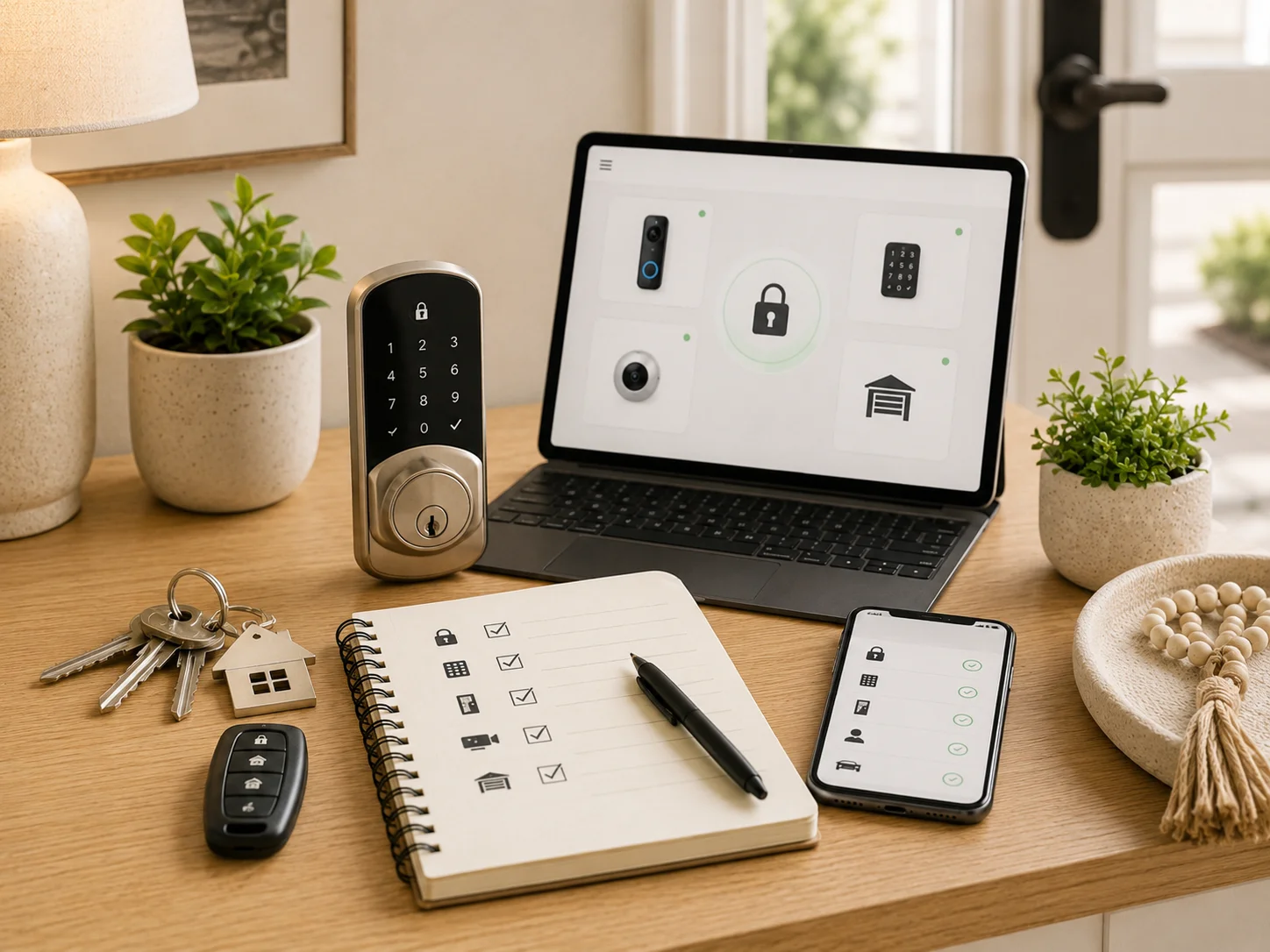
If the home has smart locks, video doorbells, alarm systems, security cameras, or smart thermostats, reset ownership credentials and remove all prior user accounts. Change passwords, update account email addresses, and review device sharing lists. A smart device still linked to the seller's account is not under your control.

4. Confirm all keys and access items received at closing

Document the keys, mailbox keys, garage remotes, gate cards, storage keys, pool keys, HOA access fobs, and parking passes received at closing. If anything is missing, ask immediately. Missing access items create uncertainty about whether prior access still exists.

5. Walk every entry point and confirm it locks securely

Walk the full property and check every exterior door, window, basement entry, bulkhead door, sliding door, side gate, shed, and detached garage. Confirm each closes and locks properly. First-time buyers commonly focus on the main entrance and miss secondary access points.

6. Store spare keys intentionally

Decide who has spare keys and how they are stored. Avoid obvious exterior hiding spots. If you use a lockbox, smart lock, or trusted neighbor, document the decision. Access convenience should not undermine basic security.

Extra Actions You Can Do

1. Consider a full locksmith walkthrough if the home has many locks or unclear access history

A locksmith can identify lock quality issues, recommend upgrades, and provide professional rekeying for all locks in one appointment.

2. Consider factory resets for smart security systems

Factory resets remove all prior configuration and ensure the device is fully under new ownership. This is especially important for alarm systems and smart lock hubs.

3. Photograph each entry point to create a baseline access documentation record

A simple walk-around photo record of every door, gate, and access point creates a baseline for future repair, insurance, or security upgrade decisions.

4. Confirm HOA or building access credential procedures for replacement

Common area fobs, pool passes, mailroom keys, and parking passes may have replacement fees or procedures managed by the HOA. Confirm the process before assuming you can get replacements easily.

Decision Gate

Important Signs That You Should Consider When You Want to Decide

  • ✓  GO AHEAD

    AND CONTINUE IF

    •  All major physical and digital access points identified, reset, documented, and controlled.

    •  No prior credentials remain active.

  • ✗  STOP

    AND REASSESS IF

    •  Any exterior lock, garage, keypad, or smart device still operates under prior owner credentials.

    •  Access items received at closing are unverified.

STAGE DELIVERABLE

Home Access and Security Reset List

A documented record of every access point, its reset date, who holds credentials, and the status of prior access removal.

[background image] image of topdown photo of desk with laptop (for a food and agtech)